Work with OutlinePay from an AI assistantAI 어시스턴트로 OutlinePay를 사용합니다
Connect Claude to OutlinePay, and Claude can read your data and create test data for you. Or give our docs to any AI assistant, and it can write the integration with you.Claude를 OutlinePay에 연결하면 Claude가 귀사의 데이터를 읽고 테스트 데이터를 대신 생성할 수 있습니다. 또는 저희 문서를 AI 어시스턴트에게 건네면 어시스턴트가 함께 연동 코드를 작성할 수 있습니다.
Connect Claude to OutlinePayClaude를 OutlinePay에 연결합니다
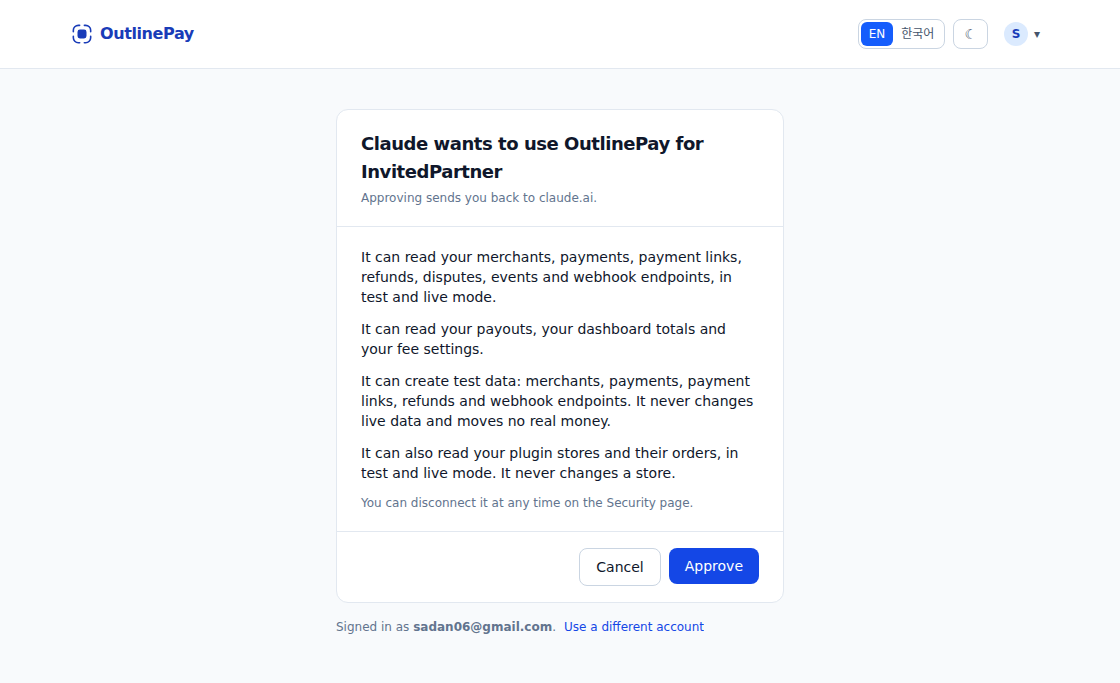
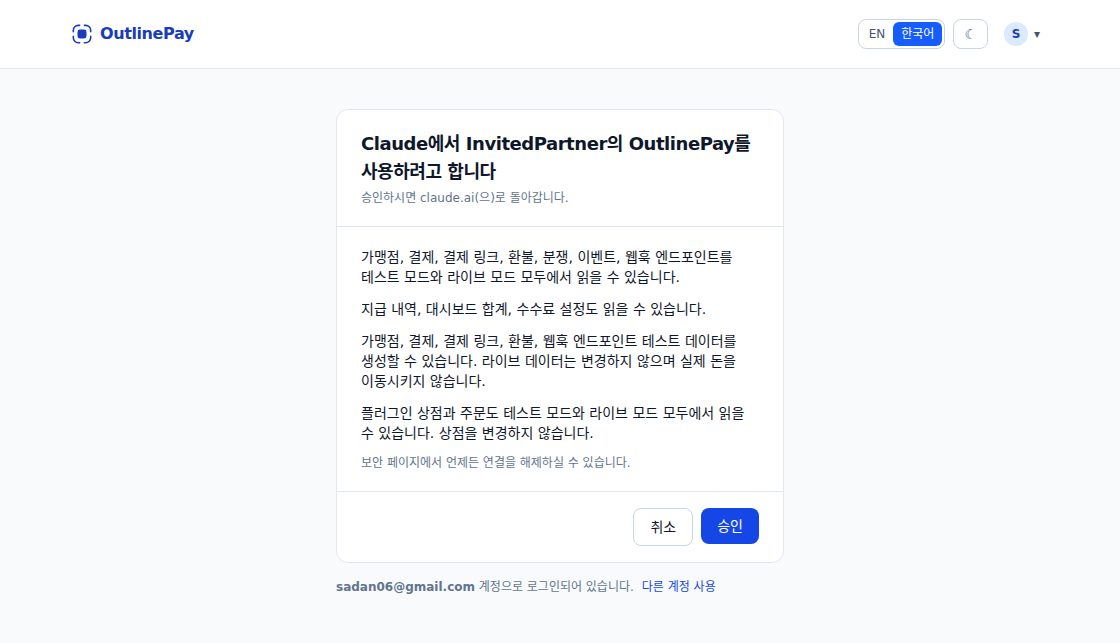
Once connected, Claude can read your merchants, payments, payment links, refunds, disputes, events and webhook endpoints. It reads test data unless you ask for live data. Claude can also create test data for you: merchants, payments, payment links, refunds and webhook endpoints. It never changes live data and moves no real money. If you are an admin, Claude can read your payouts, dashboard totals and fee settings too. Claude can also read your plugin stores in test and live mode.연결하면 Claude가 가맹점, 결제, 결제 링크, 환불, 분쟁, 이벤트, 웹훅 엔드포인트를 읽을 수 있습니다. 라이브 데이터를 요청하지 않으면 테스트 데이터를 읽습니다. Claude는 가맹점, 결제, 결제 링크, 환불, 웹훅 엔드포인트 테스트 데이터도 대신 생성할 수 있습니다. 라이브 데이터는 변경하지 않으며 실제 돈을 이동시키지 않습니다. 관리자라면 Claude가 지급 내역, 대시보드 합계, 수수료 설정도 읽을 수 있습니다. Claude는 플러그인 상점도 테스트 모드와 라이브 모드 모두에서 읽을 수 있습니다.
- Open Claude. Go to Customize > Connectors.Claude를 엽니다. Customize > Connectors로 이동합니다.
- Find OutlinePay in the list and click Connect.목록에서 OutlinePay를 찾아 Connect를 누릅니다.
-
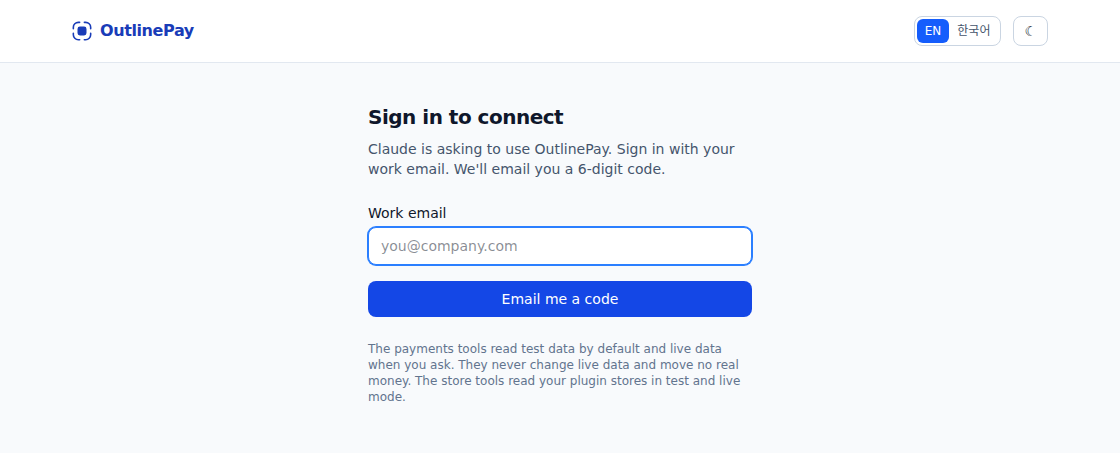
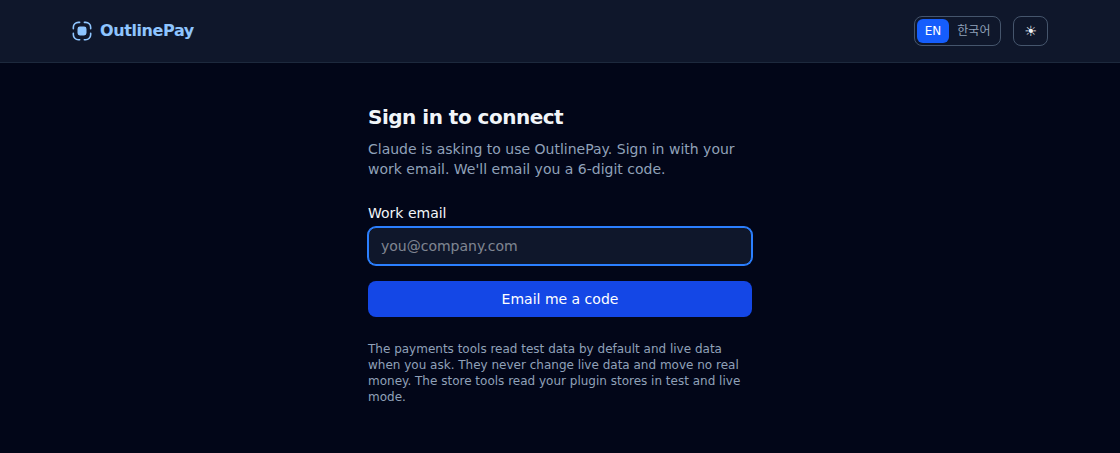
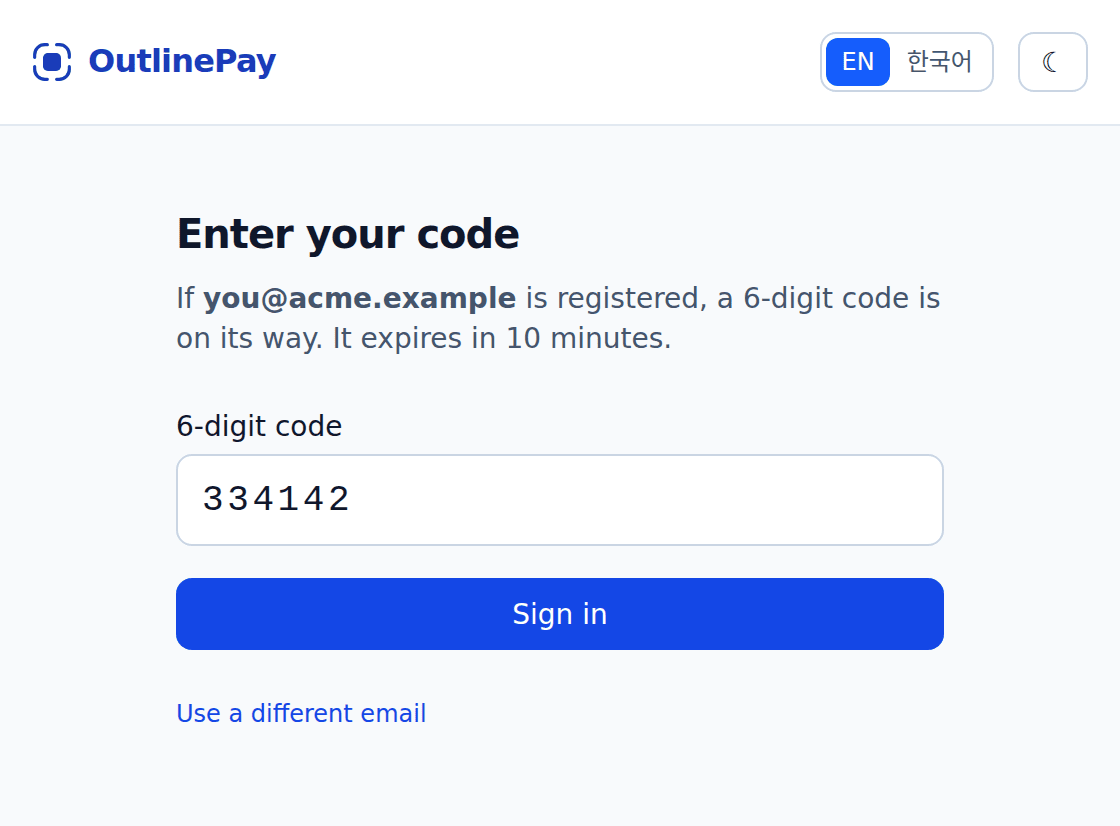
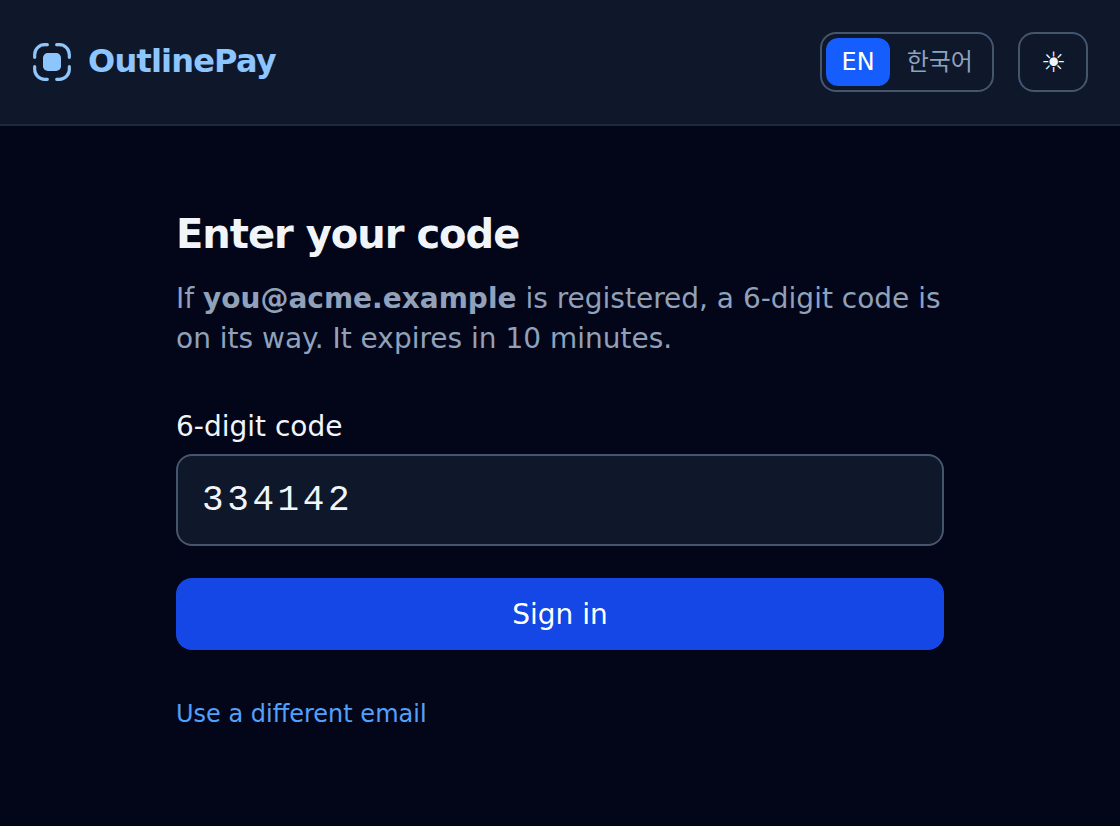
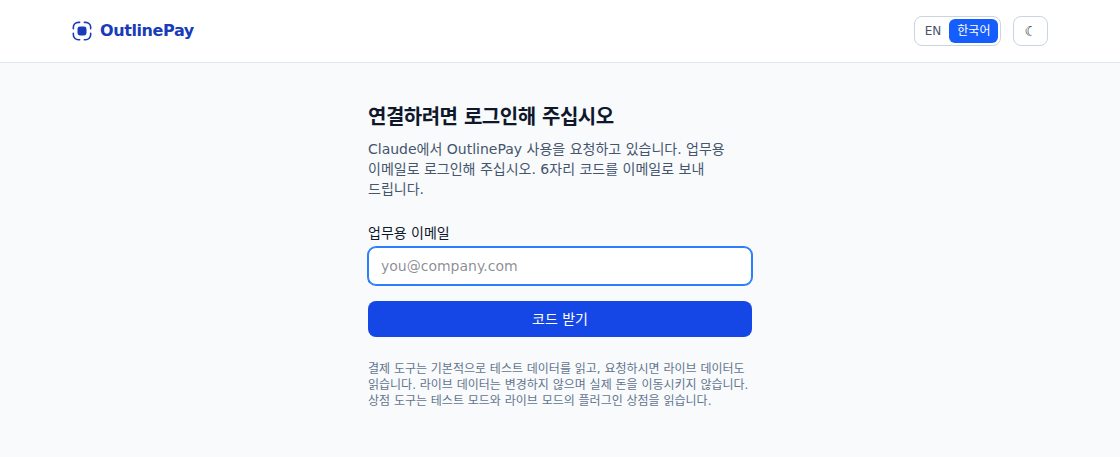
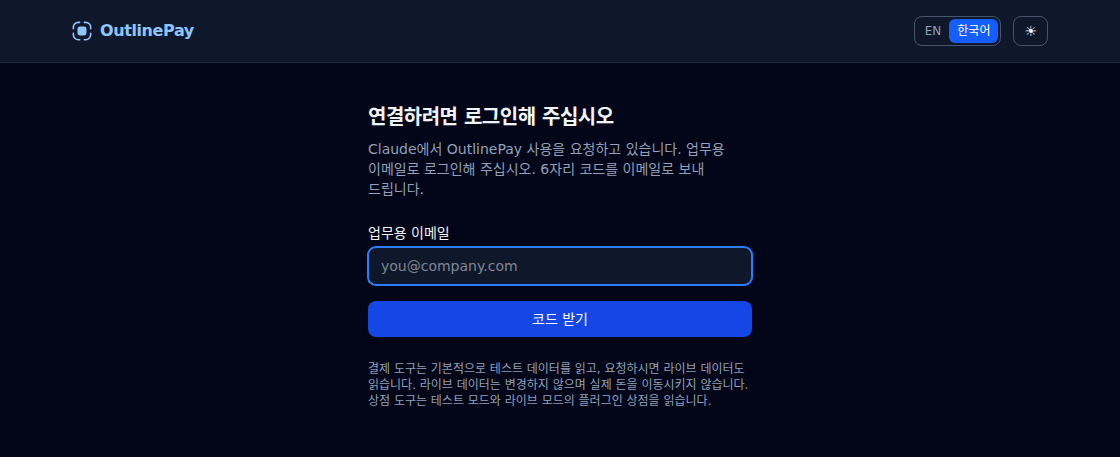
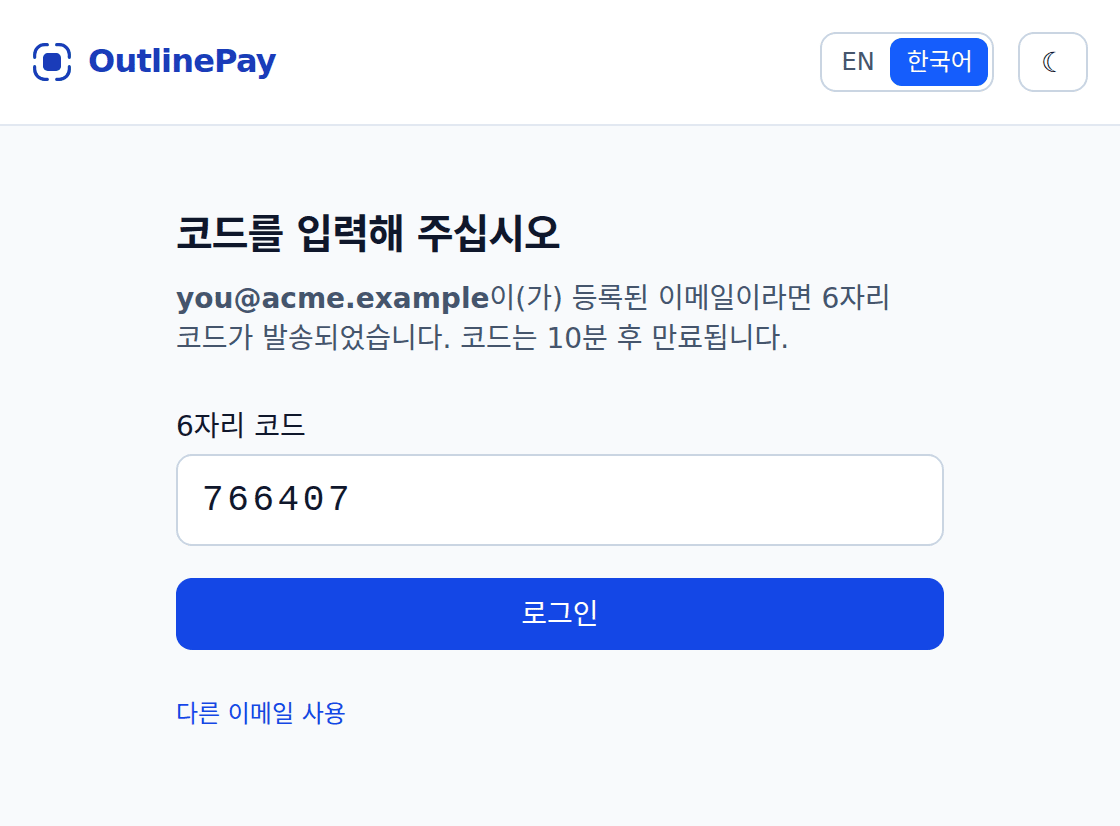
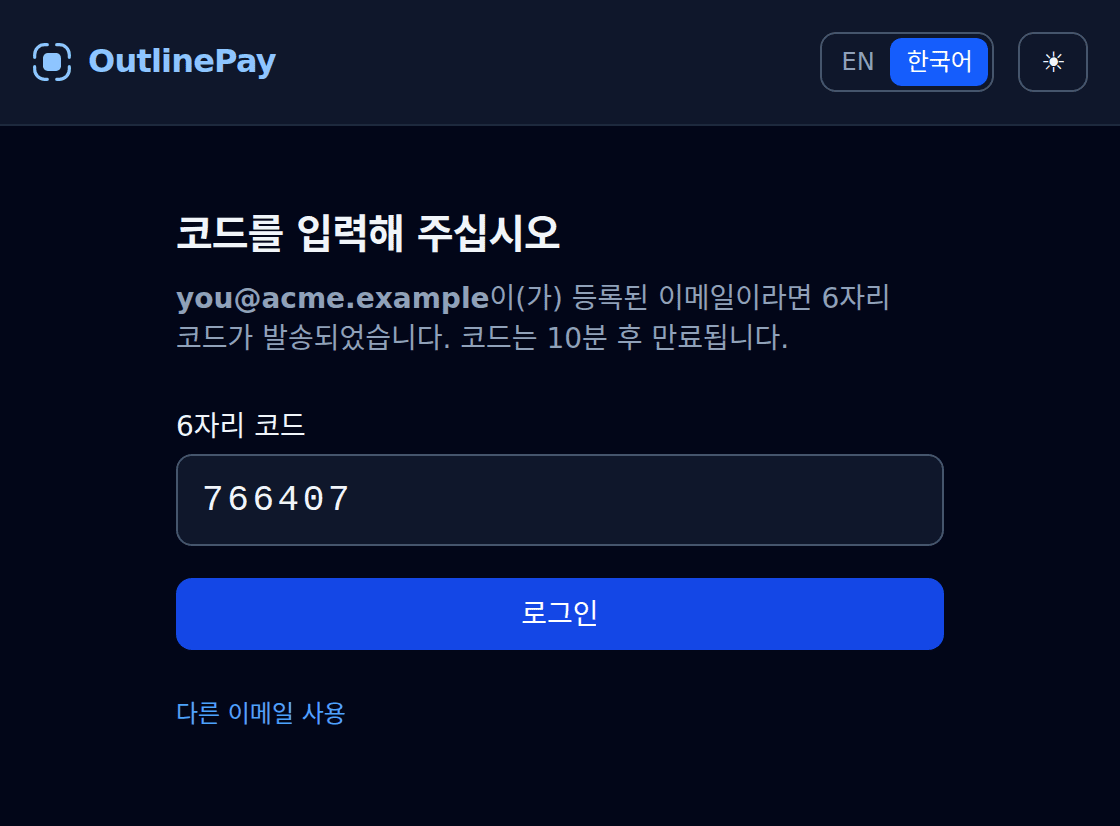
An OutlinePay window opens. If you are not signed in, type your work email. Then enter the 6-digit code we email you.OutlinePay 창이 열립니다. 로그인되어 있지 않다면 업무용 이메일을 입력합니다. 그다음 이메일로 받은 6자리 코드를 입력합니다.
-
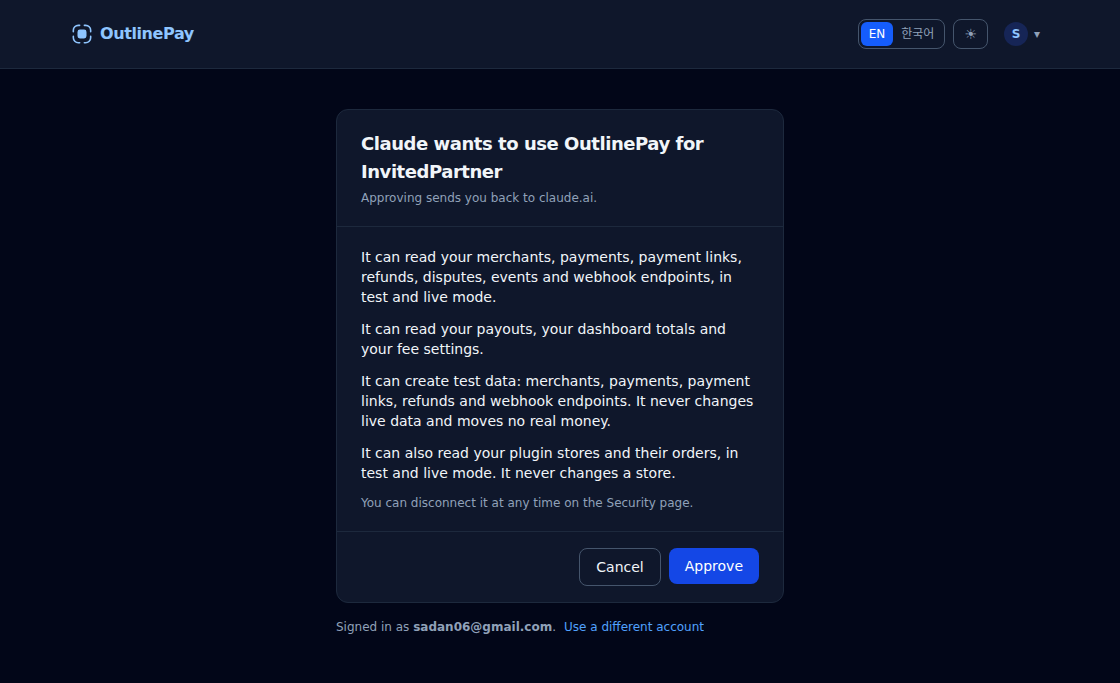
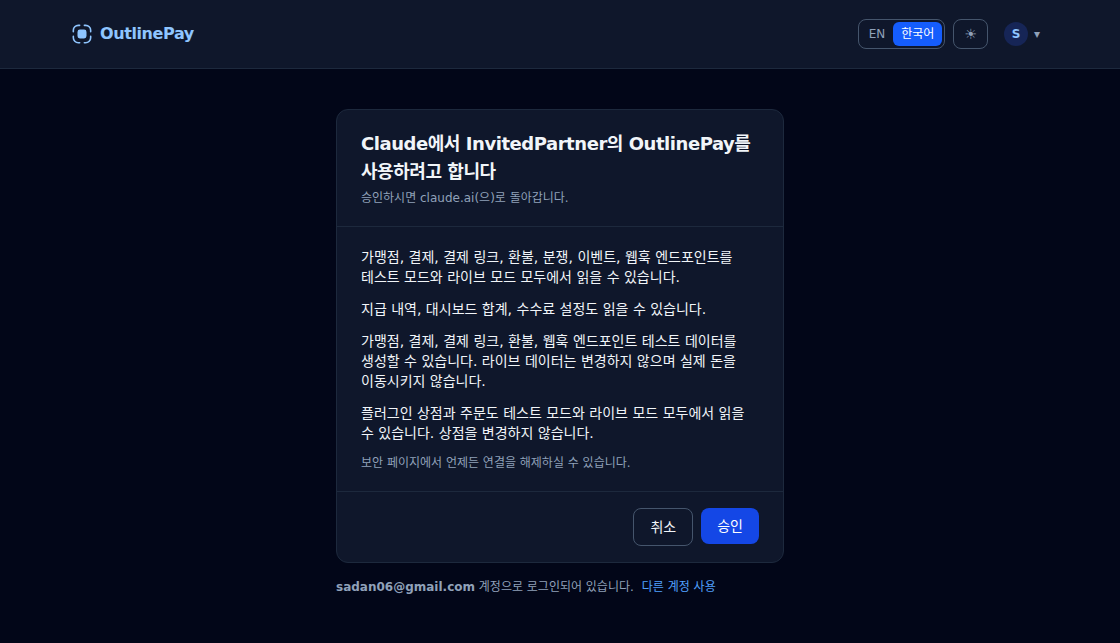
Click Approve.승인을 누릅니다.
- Back in Claude, try: “Create a $10 test payment with OutlinePay.”Claude로 돌아가 이렇게 요청해 보십시오. “OutlinePay로 10달러 테스트 결제를 만들어 주십시오.”
The payments tools read live data but never change it. Every change they make is test data. They move no real money. The store tools read your stores in test and live mode. They change nothing.결제 도구는 라이브 데이터를 읽을 수 있지만 변경하지 않습니다. 결제 도구가 만드는 변경은 모두 테스트 데이터입니다. 실제 돈을 이동시키지 않습니다. 상점 도구는 테스트 모드와 라이브 모드의 상점을 읽습니다. 아무것도 변경하지 않습니다.
Don't see OutlinePay in the list? Ask your Claude admin to add it (see below).목록에 OutlinePay가 보이지 않습니까? Claude 관리자에게 추가를 요청하십시오(아래 참고).
To disconnect, open the Developers hub and go to Security. Click Disconnect next to Claude. You can also remove it in Claude under Customize > Connectors.연결을 해제하려면 개발자 허브의 보안 페이지로 이동합니다. Claude 옆의 연결 해제를 누릅니다. Claude의 Customize > Connectors에서 제거하실 수도 있습니다.
For Claude admins: add OutlinePay for your organizationClaude 관리자용: 조직에 OutlinePay를 추가합니다
An admin adds OutlinePay once. After that, each member connects it for themselves with the steps above.관리자가 OutlinePay를 한 번 추가합니다. 그 후에는 각 구성원이 위의 단계로 직접 연결합니다.
- In Claude, go to Organization settings > Connectors. Add a custom connector.Claude에서 Organization settings > Connectors로 이동합니다. 사용자 지정 커넥터(custom connector)를 추가합니다.
- For the name, type OutlinePay. For the URL, paste this:이름에는 OutlinePay를 입력합니다. URL에는 다음 주소를 붙여넣습니다.
URL
https://api.outlinepay.com/mcp
- Keep sign-in turned on, so each member signs in with their own OutlinePay account. Do not add any request headers.로그인은 켜 둡니다. 그러면 각 구성원이 자신의 OutlinePay 계정으로 로그인합니다. 요청 헤더는 추가하지 않습니다.
On a personal Claude plan, there is no admin. Add OutlinePay yourself the same way, under Customize > Connectors.개인용 Claude 요금제에는 관리자가 없습니다. Customize > Connectors에서 같은 방법으로 직접 추가하십시오.
Store support상점 지원
Claude can also tell you what happened in a store that runs the OutlinePay plugin. Ask it things like “Why did order 1042 on Jeju Green Tea fail?” or “What does chk_7f3k... mean?” Claude answers with what happened, who has to act next, and the next step.Claude는 OutlinePay 플러그인을 사용하는 상점에서 일어난 일도 알려 드립니다. “Jeju Green Tea의 1042번 주문은 왜 실패했습니까?” 또는 “chk_7f3k...는 무슨 뜻입니까?”처럼 물어보십시오. Claude가 무슨 일이 있었는지, 다음에 누가 조치해야 하는지, 다음 단계는 무엇인지 답합니다.
These tools cover your test stores and your live stores. They only read. They never change a store, an order or a payment.이 도구는 테스트 상점과 라이브 상점을 모두 다룹니다. 읽기만 합니다. 상점, 주문, 결제를 변경하지 않습니다.
| Tool도구 | What it answers답하는 내용 |
|---|---|
list_stores |
Your stores, with what is open on each one.귀사의 상점 목록과 각 상점에서 해결되지 않은 문제를 보여 줍니다. |
store_health |
One store's connection, open problems and last self-check.한 상점의 연결 상태, 해결되지 않은 문제, 최근 자가 점검 결과를 보여 줍니다. |
store_orders |
A store's recent orders, one line each.한 상점의 최근 주문을 한 줄씩 보여 줍니다. |
order_timeline |
Everything that happened to one order, in order.주문 하나에 일어난 모든 일을 순서대로 보여 줍니다. |
self_check |
One self-check by its chk_ code.chk_ 코드로 자가 점검 한 건을 보여 줍니다. |
explain |
What an event code means and who acts next.이벤트 코드의 뜻과 다음에 조치할 쪽을 알려 줍니다. |
Using Claude Code or another toolClaude Code 또는 다른 도구에서 사용하기
Claude Code and many other AI tools can connect to OutlinePay through MCP. MCP is an open standard that lets AI tools use outside services. In Claude Code, run this command in your terminal:Claude Code와 여러 AI 도구는 MCP로 OutlinePay에 연결할 수 있습니다. MCP는 AI 도구가 외부 서비스를 사용할 수 있게 하는 공개 표준입니다. Claude Code에서는 터미널에서 다음 명령을 실행하십시오.
claude mcp add --transport http outlinepay https://api.outlinepay.com/mcp
Then type /mcp in Claude Code. Your browser opens the same OutlinePay sign-in as above.그다음 Claude Code에서 /mcp를 입력합니다. 브라우저에서 위와 같은 OutlinePay 로그인 창이 열립니다.
You can use a test key instead of signing in. Send it in the Authorization header:로그인 대신 테스트 키를 사용하실 수도 있습니다. Authorization 헤더로 보냅니다.
claude mcp add --transport http outlinepay https://api.outlinepay.com/mcp --header "Authorization: Bearer olp_sk_test_..."
A test key reads test data only. To read live data, sign in instead. Other tools take the same URL. A live key is refused.테스트 키로는 테스트 데이터만 읽을 수 있습니다. 라이브 데이터를 읽으려면 대신 로그인하십시오. 다른 도구에도 같은 URL을 사용합니다. 라이브 키는 거부됩니다.
Using another assistant, or writing code다른 어시스턴트를 사용하거나 코드를 작성하는 경우
You can hand our docs to an AI assistant and have it write the integration with you. Any assistant that can read a web page or a file works. It takes three steps.저희 문서를 AI 어시스턴트에게 건네고, 어시스턴트와 함께 연동 코드를 작성하실 수 있습니다. 웹 페이지나 파일을 읽을 수 있는 어시스턴트라면 어느 것이든 됩니다. 세 단계면 됩니다.
1. Copy this prompt1. 이 프롬프트를 복사합니다
This prompt tells the assistant where our docs are and what to build. Press Copy.이 프롬프트는 어시스턴트에게 문서의 위치와 만들 내용을 알려 줍니다. Copy 버튼을 누르십시오.
Read https://outlinepay.com/llms.txt and the files it links. Then help me integrate OutlinePay into my app: create a test merchant, onboard it, take a test payment, and verify the webhook signature. Use only what the OutlinePay docs say, and ask me before you guess.
https://outlinepay.com/llms.txt 파일과 그 파일에 연결된 파일들을 읽어 주십시오. 그다음 제 앱에 OutlinePay를 연동하도록 도와주십시오. 테스트 가맹점을 만들고, 온보딩하고, 테스트 결제를 받고, 웹훅 서명을 검증합니다. OutlinePay 문서에 있는 내용만 사용하고, 추측해야 할 때는 먼저 저에게 물어봐 주십시오.
2. Paste it into your AI assistant2. AI 어시스턴트에 붙여넣습니다
Open your assistant and paste the prompt as your first message. The assistant reads the docs and starts with the first step.어시스턴트를 열고 프롬프트를 첫 메시지로 붙여넣으십시오. 어시스턴트가 문서를 읽고 첫 단계부터 시작합니다.
If your assistant cannot open links, download reference.md and attach the file to your message instead. It holds the whole API in one file.어시스턴트가 링크를 열 수 없다면 reference.md를 내려받아 메시지에 파일로 첨부하십시오. 이 파일 하나에 API 전체가 들어 있습니다.
3. Use a test key3. 테스트 키를 사용합니다
The code the assistant writes needs an API key to run. Get a test key in the Developers hub under Settings, API keys. Test keys start with olp_sk_test_ and move no money.어시스턴트가 작성한 코드를 실행하려면 API 키가 필요합니다. 테스트 키는 개발자 허브의 설정, API 키에서 발급받으실 수 있습니다. 테스트 키는 olp_sk_test_로 시작하며 실제 돈이 이동하지 않습니다.
Never paste a live key라이브 키는 절대 붙여넣지 마십시오
Never paste a live key into an AI assistant. Live keys start with olp_sk_live_ and move real money. Keep the live key in your server's configuration, where only your server can read it.라이브 키를 AI 어시스턴트에 절대 붙여넣지 마십시오. 라이브 키는 olp_sk_live_로 시작하며 실제 돈을 이동시킵니다. 라이브 키는 귀사 서버만 읽을 수 있는 서버 설정에 보관하십시오.
What each file is각 파일의 용도
| File파일 | What it is for용도 |
|---|---|
llms.txt |
The index an assistant reads first. It lists our docs and links to each one.어시스턴트가 가장 먼저 읽는 목록입니다. 저희 문서를 나열하고 각 문서로 연결합니다. |
reference.md |
The whole API in one file.API 전체를 담은 파일 하나입니다. |
openapi.json |
For tools like Postman and code generators.Postman이나 코드 생성기 같은 도구에서 사용합니다. |